Skim long articles
with Chrome's built-in AI.
No data sharing. No tracking.
Free · Zero browser permissions · 15 KB
See how it works
The browser has quietly become the most important AI platform of the decade. While companies race to build cloud-hosted models, Chrome, Edge, and Safari have begun shipping models that run entirely on your device. The implications for privacy are significant: if the model lives on your machine, your data never has to leave it.
Chrome, Edge, and Safari now ship on-device AI models. If the model runs locally, your data never has to leave your machine.
Google's Summarizer API, available since Chrome 138, lets any webpage tap into Gemini Nano for text summarization without a single network request. The model weighs roughly 1.5 gigabytes and lives in Chrome's profile directory, shared across every site that uses it. Developers can choose summary types—key points, headlines, or a simple TL;DR—and control the output length.
Chrome 138's Summarizer API runs Gemini Nano locally for text summarization. The 1.5 GB model is shared across sites with no network requests needed.
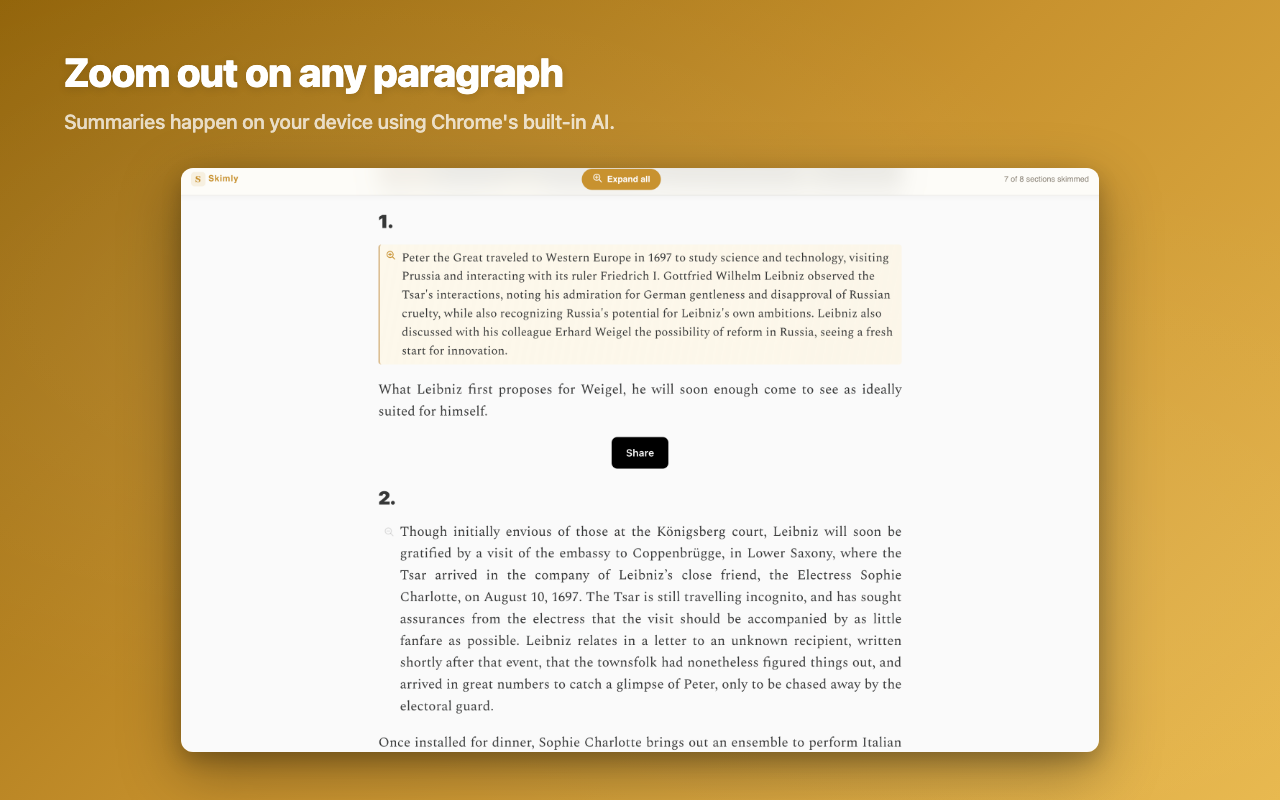
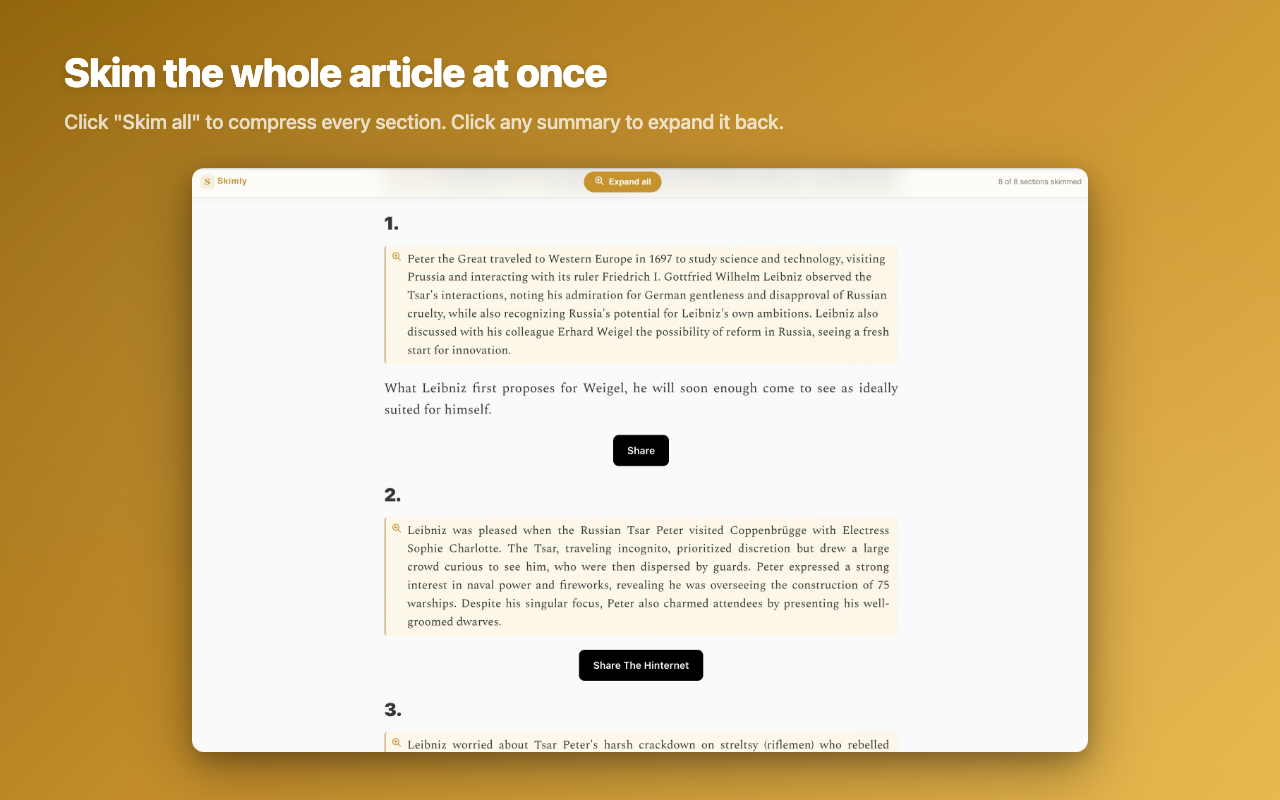
Click the magnifier to skim a paragraph. Click again to expand.
Every summarizer sends your text to the cloud.
Chrome built a Summarizer API that runs on your device.
Skimly is built on it.
Private by design
Chrome's Summarizer API handles everything on-device. No servers, no network requests, zero browser permissions.
Structure, not a summary blob
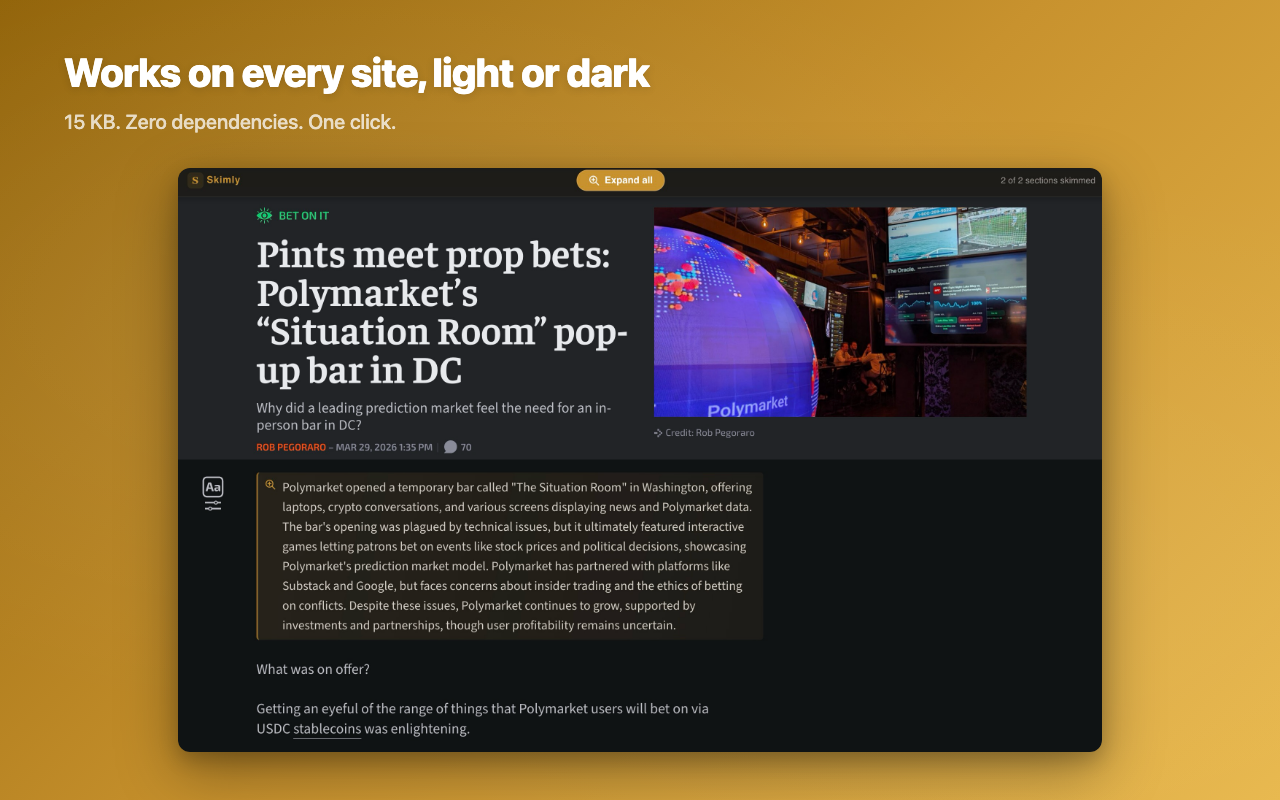
Most summarizers flatten an article into one paragraph. Skimly keeps the headings and structure intact — scan the shape, expand what earns your attention.
15 KB, zero dependencies
No account. No API key. No subscription. Click the toolbar icon and start skimming. That's it.
Checking your browser…
Skimly requires Chrome 138 or newer.